Artificial intelligence has moved from a novelty to daily infrastructure, and the tools that matter now aren’t interchangeable, each one is genuinely built for a different kind of work. This guide to the top 10 AI tools in 2026 goes beyond a simple pricing table: it explains what each tool actually does differently, why that difference matters in practice, and who should realistically be using it, based on the most current 2026 product updates and pricing available.
Let’s dive into the article to understand what sets each of these 10 tools apart from the others, not just what they cost, but what kind of problem each one is actually the right fit for solving.
Top 10 AI Tools in 2026
Picking the right AI tool isn’t about finding a single “best” option, it’s about matching the tool to the task. This AI tools comparison walks through what makes each of the best AI tools 2026 has to offer genuinely different from one another, covering conversation, code, images, video, automation, and voice.
1. ChatGPT (OpenAI)
ChatGPT is built by OpenAI and remains the most widely used AI assistant in the world, and the reason is versatility rather than one single standout skill. It now runs on GPT-5.5, a model built specifically to carry out multi-step work on its own instead of just answering one question at a time. That means you can hand it a messy, multi-part task, like researching a topic, writing the report, and formatting it as a document, and it will plan the steps, use tools, check its own work, and keep going until it’s actually finished, instead of stopping after the first reply.

Pricing & Facts:
- Free tier: GPT-5.5 Instant with limited daily messages
- Plus: $20/month, includes GPT-5.5 Thinking, Deep Research, and Agent Mode
- Pro: $200/month, for the heaviest research, coding, and agentic workloads
- Business: $30/user/month for teams
Best For: Anyone who wants one flexible tool for writing, brainstorming, research, and light coding, without switching apps for each task.
2. Claude (Anthropic)
Claude is Anthropic’s AI assistant, and it’s especially well regarded for careful, natural-sounding writing and for handling very large documents without losing track of earlier context. The newest model, Claude Sonnet 5, was built specifically to close the gap with Anthropic’s more expensive Opus-tier models on agentic work, tasks where the AI plans, uses tools, and keeps working through multiple steps, while costing significantly less per use. In practice, this means Claude can now reliably finish two-part real-world jobs (like updating a spreadsheet and then drafting a follow-up email) end to end, instead of stalling halfway through.

Pricing & Facts:
- Claude Sonnet 5: $2/$10 per million input/output tokens (introductory, through Aug 31, 2026), then $3/$15
- Claude Opus 4.8: $5/$25 per million tokens, the more accurate (and slower) flagship model
- Claude Haiku 4.5: $1/$5 per million tokens, the fastest and cheapest option
- Claude.ai consumer access starts free, with Pro around $20/month
Best For: Long documents, careful writing, research summaries, and anyone who wants an AI that reliably finishes multi-step tasks without needing constant supervision.
3. Google Gemini
Gemini is Google’s AI, and its biggest advantage isn’t raw intelligence alone, it’s how deeply it’s woven into tools people already use every day: Gmail, Docs, Sheets, and Google Search. Because it’s built by Google, Gemini can pull in and reason over information from a much wider range of sources than assistants that only rely on their own training data. If you already live inside Google Workspace for work or school, Gemini can draft an email, summarize a long document, and pull real-time information into your answer, all inside the apps you’re already using.
Pricing & Facts:
- Free app: Gemini with limited Pro-level access and monthly AI credits
- Google AI Pro: $19.99/month, includes a 1M-token context window for very long documents
- Google AI Ultra: $99.99 to $200/month, the highest tier with Deep Think and priority access
- Google Workspace Business Standard: $14/user/month (annual), includes Gemini across Gmail, Docs, and Sheets
Best For: Teams and students already living inside Gmail, Docs, and Sheets who want AI baked directly into tools they use daily.
4. Perplexity AI
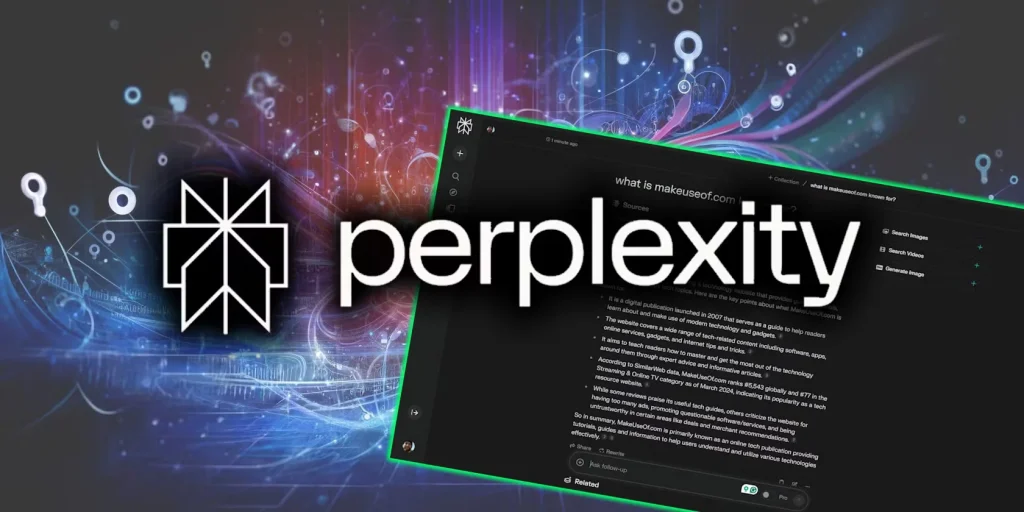
Perplexity is built specifically to answer questions with real sources attached, rather than a wall of confident-sounding text you have to fact-check yourself. Instead of a normal search engine’s list of blue links, it reads across multiple sources and gives you a direct, cited answer, so you can actually click through and verify where each claim came from. This makes it especially useful for research, fact-checking, or any situation where you need to trust the answer enough to act on it.
Pricing & Facts:
- Free tier: unlimited basic search, plus a small daily allowance of deeper ‘Pro Search’ queries
- Pro: $20/month, unlimited Pro Search and the ability to switch between GPT, Claude, and Gemini models
- Max: $200/month, includes multi-model orchestration and an AI-powered browser
- Enterprise plans available for teams needing centralized billing and admin controls
Best For: Research, fact-checking, and anyone who wants a source-backed answer instead of a generic AI-written paragraph.
5. Cursor
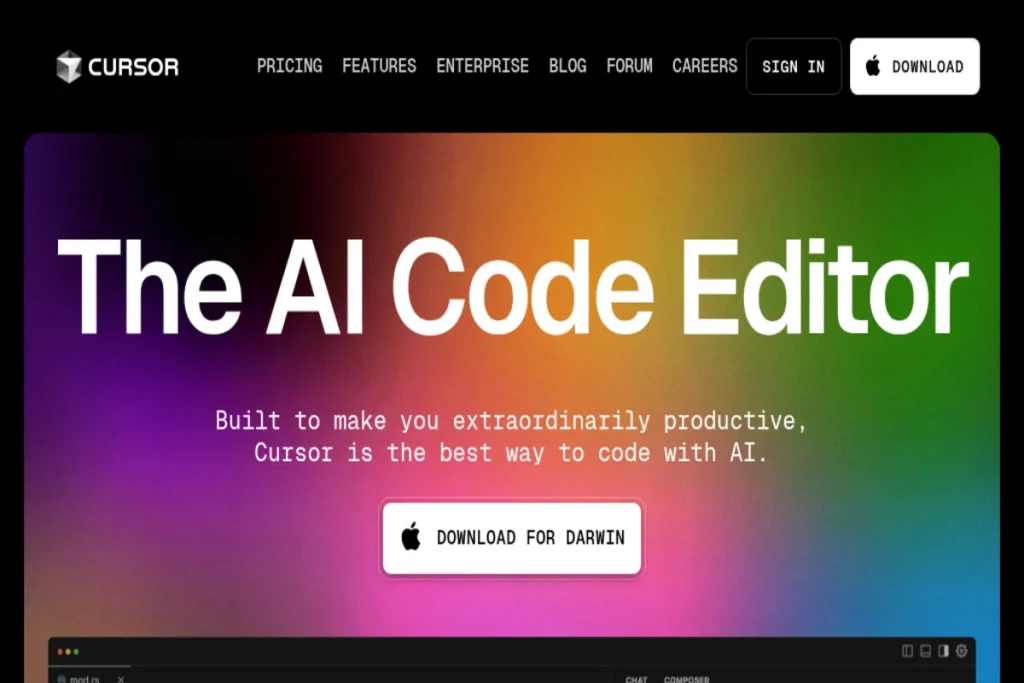
Cursor is a code editor with AI built directly into its foundation, rather than an AI feature bolted onto an existing editor. It reads your entire codebase as context, so when you ask it to fix a bug or add a feature, it understands how your files actually connect to each other, not just the one file you have open. This is a meaningful shift for developers: instead of copy-pasting code into a separate chat window, the AI works right where the code lives.
Pricing & Facts:
- Hobby (Free): limited completions and agent requests, with a one-week Pro trial
- Pro: $20/month, includes a $20 monthly credit pool for premium models like Claude and GPT
- Pro+: $60/month, roughly 3x the model usage of Pro
- Business/Teams: $40/user/month, with centralized billing and admin controls
Best For: Developers who want an AI that understands their whole codebase, not just the single file they happen to have open.
6. Midjourney
Midjourney remains the benchmark for high-quality, stylized AI image generation, particularly for artistic and photorealistic work that looks intentional rather than obviously AI-generated. What sets it apart from most competitors is consistency in aesthetic quality: even a rough, simple prompt tends to produce something visually polished, which is why it’s still the default choice for designers, illustrators, and marketers who need images that look genuinely professional.

Pricing & Facts:
- No free tier, plans start at $10/month
- Basic: $10/month, about 3.3 fast GPU hours
- Standard: $30/month, about 15 fast hours plus unlimited slower ‘Relax mode’ generations
- Pro: $60/month, adds private ‘Stealth’ generation mode for sensitive projects
Best For: Designers, marketers, and creators who need the highest-quality, most artistic image output available.
7. Veo (Google)
Veo is Google DeepMind’s AI video generator, and it stands out for producing genuinely cinematic clips with realistic motion and native, synchronized audio, meaning the sound is generated to match the video rather than added afterward. You can generate a short video clip from a written description or a still image, which makes it useful for advertising, previsualization, or short-form content, without needing a camera crew or editing software.

Pricing & Facts:
- Included with Google AI Pro ($19.99/month) or Google AI Ultra ($99.99 to $249.99/month) subscriptions
- Developer/API pricing: roughly $0.03 to $0.15 per second for the lighter ‘Lite’ tier
- Full-quality Veo with audio costs up to $0.40 per second via the API
- A standard 5-second clip with audio costs around $2 at typical quality settings
Best For: Marketers and creators who need short, realistic video clips without a full production team.
8. Zapier (AI Agents)
Zapier connects thousands of apps together so they can trigger actions in each other automatically, and its AI layer takes that a step further by letting those automated workflows actually reason about what to do rather than just moving data from one place to another. For example, instead of a simple rule like ‘when X happens, do Y,’ an AI agent inside Zapier can read an incoming message, decide how urgent it is, and route it accordingly, all without a human manually checking each one.
Pricing & Facts:
- Free: 100 tasks/month, limited to simple two-step automations
- Professional: starts at $19.99/month for higher volume and multi-step automations
- Team: $103.50/month, built for collaborative use across a small team
- AI steps are priced by model tier (Standard, Advanced, Premium), using more of your monthly task allowance per AI step than a simple automation
Best For: Non-technical teams who want to connect apps and automate repetitive workflows without writing any code.
9. Notion AI
Notion AI lives directly inside the Notion workspace most teams already use for notes, docs, and project tracking, rather than requiring a separate app. It can summarize long pages, draft new content in your existing docs, and now includes an autonomous “Notion Agent” that can carry out multi-step tasks across your workspace on its own, like pulling information from several pages to build a new summary document.

Pricing & Facts:
- Free and Plus ($10/user/month) plans include only a limited AI trial
- Business ($20/user/month, billed annually) is the entry point for full Notion AI access
- Includes Notion Agent, AI meeting notes, and workspace-wide search
- Model choice includes GPT, Claude, and Gemini, plus an automatic ‘best model for the task’ option
Best For: Knowledge-heavy teams who already live in docs and wikis and want AI search across everything they’ve written.
10. ElevenLabs
ElevenLabs is the leading tool for lifelike AI-generated voices, covering everything from realistic voiceovers and voice cloning to multi-language dubbing. What makes it stand out is how natural the output sounds compared to older text-to-speech tools, the pacing, emotion, and tone come across as genuinely human rather than robotic, which is why it’s become a default choice for podcasters, video creators, and app developers who need voice content at scale.
Pricing & Facts:
- Free: about 10,000 credits/month (roughly 10 minutes of speech), no commercial usage rights
- Starter: $5 to $6/month, unlocks commercial rights and instant voice cloning
- Creator: $22/month, includes Professional Voice Cloning for a more precise match to a real voice
- Pro: $99/month, production-grade API access for larger projects
Best For: Podcasters, YouTubers, and app developers who need natural-sounding voiceovers without hiring a voice actor.
Why These 10 AI Tools Matter in 2026
Based on this year’s product updates, the clearest trend across nearly every major tool, ChatGPT, Claude, and Gemini included, is the shift from simple question-answering toward genuine multi-step agentic work: tools that plan, use other tools, check their own output, and keep going without needing to be walked through every step.
From my own take, no single tool here replaces all the others, and that’s actually the healthiest way to think about this list. ChatGPT and Claude cover most day-to-day thinking and writing needs, Perplexity earns its place specifically for anything you need to verify, and Cursor, Midjourney, Veo, and ElevenLabs are specialist tools worth adding only once you have a real, recurring need for code, images, video, or voice.
If you can only start with one tool from this list, Claude or ChatGPT is the better overall pick, both now handle multi-step, real-world tasks reliably rather than just answering single questions, and either one gives you the widest everyday usefulness before you ever need a specialist tool like Cursor or Midjourney and Gemini is also a great option if you want a flexible AI tool, having access to everything and its limits are like more than a million.