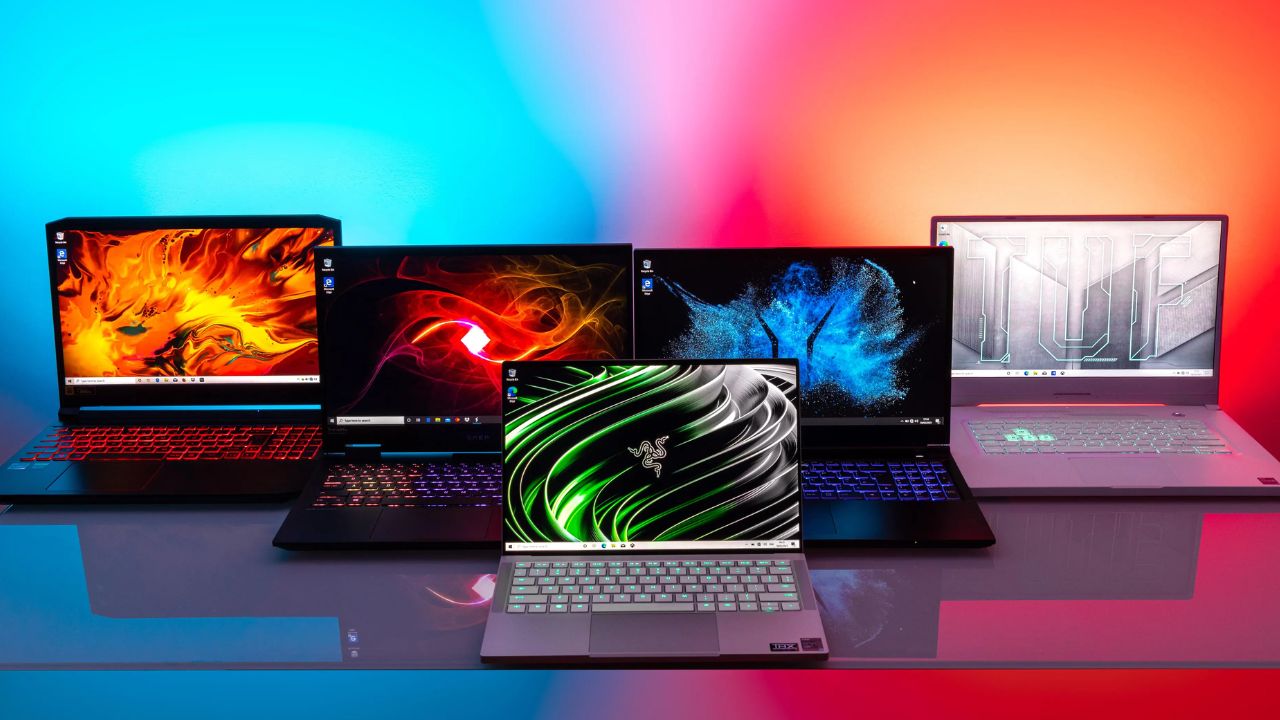
Buying a new laptop should feel exciting, but most people end up overwhelmed instead. Spec sheets pile on numbers that mean little without context, and every brand claims to be the best option available on the market this year. This laptop buying guide strips away the noise and breaks things down by who you actually are as a user, since a student, a working professional, and a serious gamer all need completely different things from the same category of device. Instead of drowning in benchmark charts, you will walk away from this guide knowing exactly what to prioritize based on your actual daily life.
What to Look for Before Choosing a Category
Every solid laptop buying guide starts with a few basics that apply no matter who you are. Always choose an SSD over a traditional hard drive, since the speed difference is dramatic for booting up, loading files, and general responsiveness. Aim for at least 16GB of RAM as a baseline, since 8GB now struggles with modern browsers, background apps, and everyday multitasking. Check battery life claims carefully too, since manufacturer estimates often run optimistic compared to how a laptop performs during actual daily use with multiple tabs and applications open.
Screen size is another factor worth deciding early, since it affects both portability and comfort. Smaller 13- or 14-inch laptops travel easily but can feel cramped for detailed work, while 15- or 16-inch models offer more screen space at the cost of extra weight. Port selection matters more than people expect too. A laptop with only one or two ports often forces you into carrying adapters everywhere, so check for a reasonable mix of USB-C, USB-A, and HDMI before buying. Once these basics are covered, the right choice comes down to which of the three categories below actually matches your daily life and how you plan to use the machine most often.
Laptops for Students
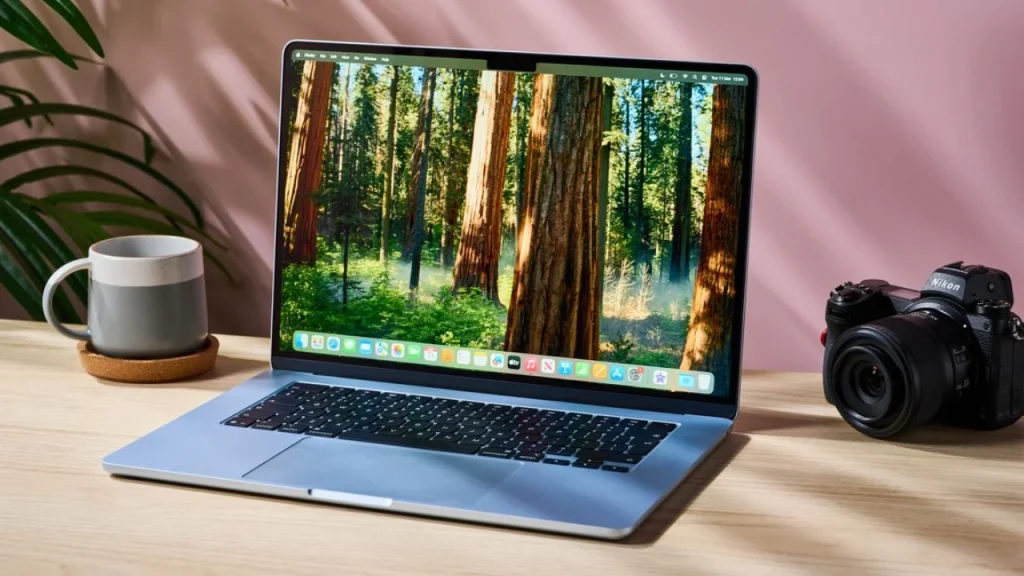
Students need a laptop that survives years of daily use without becoming a financial burden on an already tight budget. Portability matters enormously here, since a laptop carried between classes, libraries, dorm rooms, and coffee shops all day needs to stay light and genuinely comfortable to hold. Battery life deserves equal priority, since outlets are not always guaranteed during a long day on campus, and hunting for a charger between classes gets old fast.
Performance requirements stay fairly modest for most students. A recent Intel Core Ultra 5 or AMD Ryzen 5 chip handles note-taking, research, streaming, and everyday assignments smoothly without any noticeable lag. Storage around 256GB to 512GB covers most coursework comfortably, especially when cloud storage handles larger files like video projects or design assets. Budget matters most in this category, and spending less on raw processing power leaves more room in the budget for a comfortable keyboard, a display that stays easy on the eyes during long study sessions, and a warranty that covers accidental damage.
Durability should not be overlooked either. Laptops get dropped, bumped, and squeezed into overstuffed backpacks constantly during student life. Looking for a sturdier hinge design and a keyboard that resists spills can save real money on repairs down the road. Many student-focused laptops also come bundled with education discounts, so it is worth checking manufacturer websites directly before buying through a general retailer.
Pros for student-focused laptops:
- Lighter builds make daily carrying much easier across campus
- Longer battery life reduces reliance on finding outlets between classes
- Lower price points leave more room for textbooks and other costs
- Education discounts often bring premium options within reach
Cons to watch for:
- Limited performance headroom for heavier creative work like video editing
- Smaller storage may require cloud backup for larger files
- Budget builds can feel less durable under constant daily wear
Laptops for Professionals
Professionals need reliability above almost everything else, since a laptop crash or unexpected slowdown during work hours costs real time and, in some cases, real money. The right choice here depends heavily on the specific type of work involved, so it helps to break this category down further. Office-based professionals handling spreadsheets, presentations, email, and video calls do perfectly fine with a Core Ultra 5 or Ryzen 5 chip paired with 16GB of RAM. That combination keeps everyday multitasking smooth without paying for power that will mostly sit unused.
Creative professionals working in video editing, graphic design, or 3D modeling need considerably more horsepower. Look toward a Core Ultra 7 or higher, at least 32GB of RAM for smoother multitasking during exports and renders, and a color-accurate display with strong DCI-P3 coverage. Accurate color reproduction matters enormously here, since a poorly calibrated screen can make finished work look completely different once it reaches a client on another device.
Build quality becomes especially important in this category too, since professionals often travel for client meetings, work from co-working spaces, or split time between home and office. A sturdy aluminum or magnesium alloy chassis holds up better over years of regular use than cheaper plastic builds, and it also tends to look more polished walking into a client meeting. Strong customer support and a solid warranty matter more here as well, since downtime during a busy work period is genuinely costly, both in lost hours and in missed deadlines.
Security features deserve a mention too, particularly for professionals handling sensitive client data. Fingerprint readers, facial recognition login, and built-in encryption support have become standard on most business-focused laptops, and skipping these features to save a little money can create real problems down the line.
Pros for professional-focused laptops:
- Stronger build quality supports frequent travel and daily wear
- Better displays improve accuracy for presentations and creative work
- Reliable support reduces costly downtime during busy periods
- Security features protect sensitive client and company data
Cons to watch for:
- Higher performance tiers come with a noticeably steeper price
- Premium build quality adds real cost compared to consumer models
- Creative-focused configurations can quickly exceed a modest budget
Laptops for Gamers
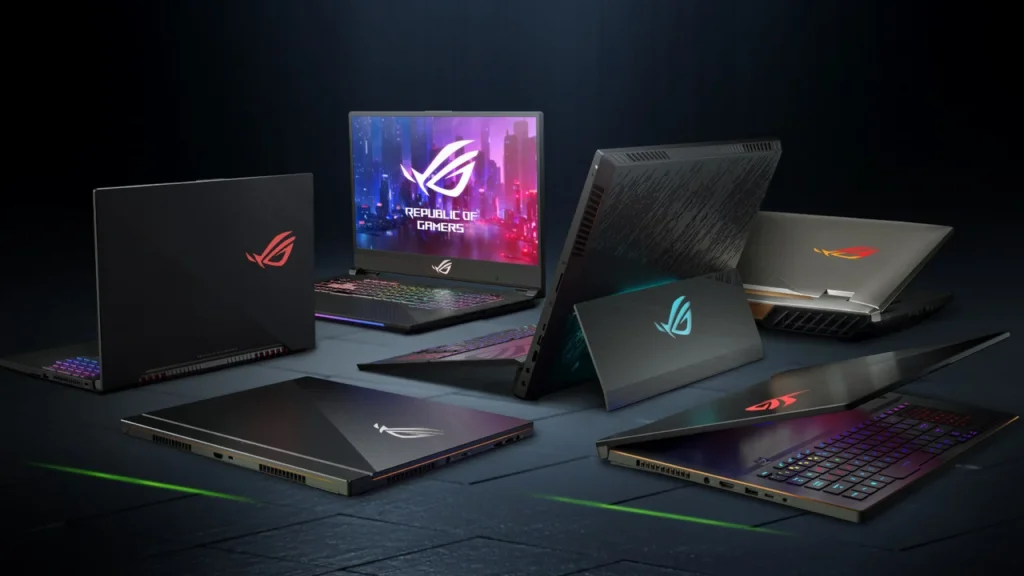
Gamers prioritize raw performance above nearly everything else, and that starts with the graphics card. A dedicated GPU, ideally an RTX 5060 or higher for genuinely serious gaming, makes the single biggest difference in how modern titles actually run at higher settings. Processor choice matters too, with a Core Ultra 7 or Ryzen 7 chip keeping frame rates steady during demanding, action-heavy scenes rather than dipping noticeably during busy moments.
Display refresh rate deserves real attention in this category as well. A 120Hz or higher panel makes fast-paced games feel noticeably smoother, which genuinely improves competitive performance in shooters and similar reaction-based titles. Resolution matters too, though most gamers still find 1080p offers the best balance between visual clarity and consistent frame rates, since pushing higher resolutions often demands GPU power that costs considerably more.
Cooling and build quality matter more for gamers than most other buyers, since a laptop that overheats and throttles under load loses whatever performance advantage it had on paper the moment a session runs long. Look for laptops with dual fan cooling systems and clearly marked exhaust vents, since cramped, poorly ventilated designs tend to struggle during extended gaming sessions. Keyboard quality is worth checking too, particularly key travel and anti-ghosting support, since a mushy keyboard becomes frustrating fast during fast-paced gameplay.
Battery life realistically takes a back seat in this category, since most demanding games drain a battery quickly regardless of how large it is. Many serious gamers simply plan around staying plugged in during actual gaming sessions and treat battery life as a bonus for lighter, everyday tasks instead.
Pros for gaming-focused laptops:
- Dedicated GPUs deliver noticeably smoother gameplay at higher settings
- Higher refresh displays improve competitive responsiveness in fast-paced titles
- Stronger cooling systems maintain performance during long sessions
- Keyboards built for gaming reduce input lag and improve comfort
Cons to watch for:
- Heavier builds reduce everyday portability compared to other categories
- Battery life typically trails behind student or professional laptops
- Higher performance configurations often come with a steeper price tag
Common Mistakes to Avoid Across Every Category
Regardless of which category fits you best, a few mistakes show up again and again during the buying process. Overbuying is one of the most common, where buyers pay for a high-end GPU or top-tier processor that never actually gets used for its intended purpose. That extra money is almost always better spent on a nicer display, more storage, or a longer warranty instead.
Underestimating storage needs causes problems later too. It is tempting to save money by choosing the smallest storage tier available, but photos, videos, downloaded games, and software installations add up faster than most people expect. Paying slightly more upfront for additional storage is usually cheaper than dealing with constant file management headaches down the road.
Ignoring the keyboard and trackpad is another mistake worth avoiding. These are the parts of a laptop you physically touch every single day, yet buyers often focus entirely on internal specs and skip testing them in person when possible. A slightly weaker processor paired with a genuinely comfortable typing experience often makes for a happier purchase than the reverse.
Finally, skipping research on software support and update history can lead to real disappointment. A laptop that stops receiving driver or security updates within a year or two loses value and usability far faster than one backed by a manufacturer with a strong long-term update record.
Final Thoughts
After walking through students, professionals, and gamers separately, my honest advice stays the same across every category. Do not chase the most impressive spec sheet sitting in front of you at the store or on a listing page. Chase the machine that fits how you actually work and live day to day. A student does not need a gaming GPU sitting unused most of the semester, and a gamer should never settle for a dim, low refresh display just to save a little money upfront. Following this laptop buying guide by matching your actual category first, then narrowing down specs from there, will save you far more regret than comparing benchmark charts ever will. Buy the laptop that fits your life, not the one that looks most impressive on paper in a store display.