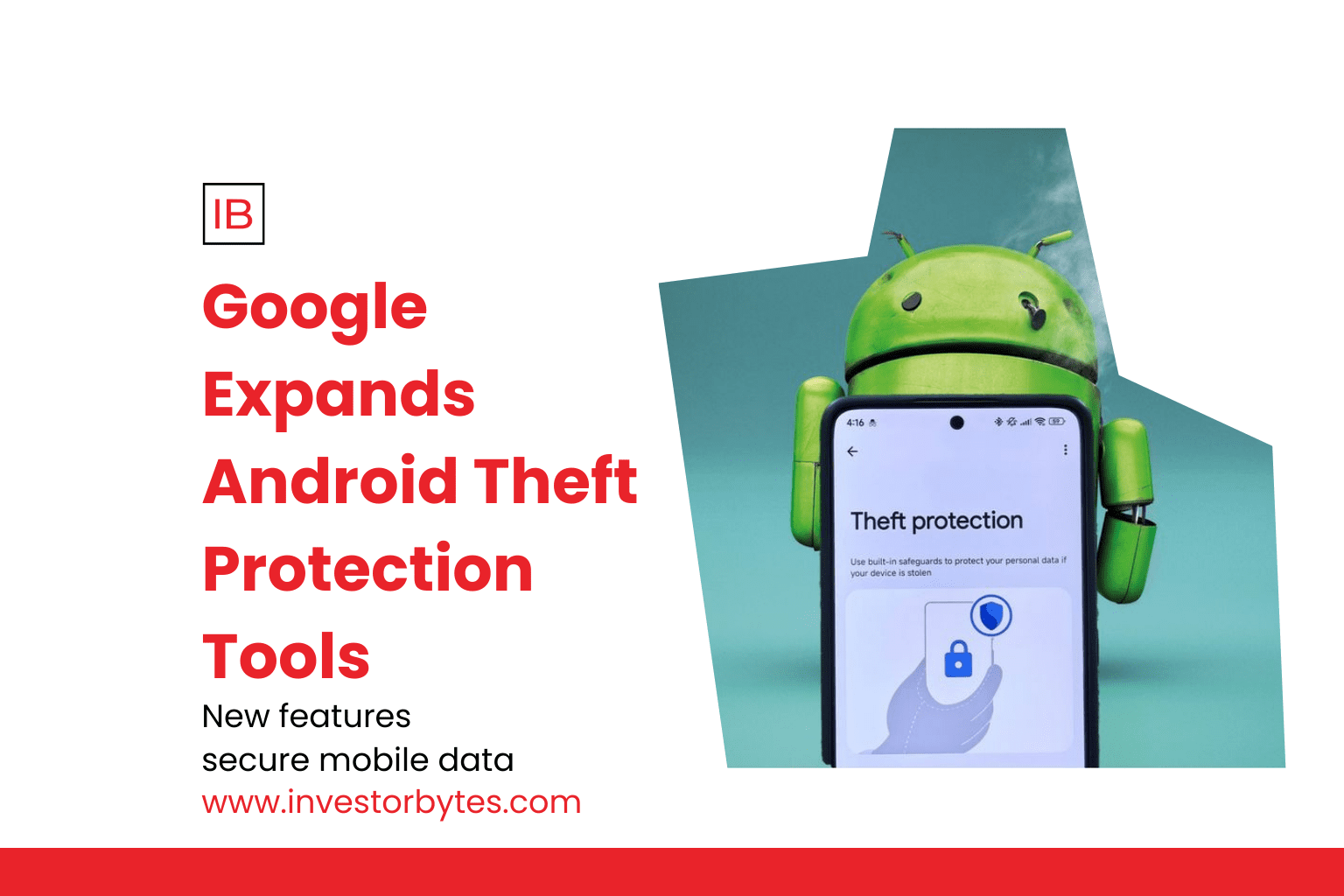
In a major push to curb the rising tide of smartphone snatch-and-run incidents, Google officially expanded its Android Theft Protection suite on January 27, 2026. This global rollout introduces a multi-layered defense system that uses on-device AI and biometric checks to ensure that even if a thief physical gets away with your hardware, your data remains behind a digital vault.
The AI Shield: Theft Detection Lock
The crown jewel of the update is the Theft Detection Lock. Using the phone’s internal accelerometer and gyroscope, Google’s on-device AI can now identify the specific motion signatures associated with a theft.
How it Works: The AI senses a “sudden jolt”—the physical signature of a phone being snatched from a hand—followed by rapid acceleration (running, biking, or driving away).
Automatic Defense: The moment these sensors are triggered, the device automatically locks the screen. This proactive measure prevents thieves from accessing open apps, photos, or sensitive banking information during the critical seconds after a grab.
Privacy First: Google has clarified that this motion data is processed entirely on the device, ensuring that your physical movements are not being uploaded to the cloud.
Failed Authentication and Offline Locks
In addition to the AI snatch-detection, Google has introduced the Failed Authentication Lock (available for Android 16+). This feature automatically triggers a device lockout after a series of failed login attempts, making it significantly harder for thieves to “brute-force” their way into a phone. To prevent accidental lockouts from children or typos, the system is designed to ignore identical incorrect guesses.
Complementing this is the Offline Device Lock. Recognizing that many thieves immediately turn off Wi-Fi or data to prevent tracking via “Find My Device,” this tool automatically locks the screen if the phone stays offline for a short period of time. This ensures that even if the device is isolated from the network, it remains unusable to the perpetrator.
Enhanced Remote Recovery & Identity Check
Google has also revamped its Remote Lock tool (available for Android 10+). Users can now lock their stolen device from any web browser simply by visiting android.com/lock and entering their verified phone number.
The “Security Challenge”: To prevent malicious actors from using the tool against the owner, Google has added an optional security question/challenge that must be answered before the remote lock is executed.
Identity Check: For high-risk actions—such as disabling “Find My Device” or changing a Google Account password—Android now requires an Identity Check (biometric authentication like a fingerprint or face scan) even if the device is already unlocked.
By making stolen phones virtually unsellable and inaccessible, Google is aiming to de-incentivize mobile theft on a global scale. In markets like Brazil, these features are now being enabled by default on all new activations, signaling a shift toward “security-first” smartphone ownership in 2026.