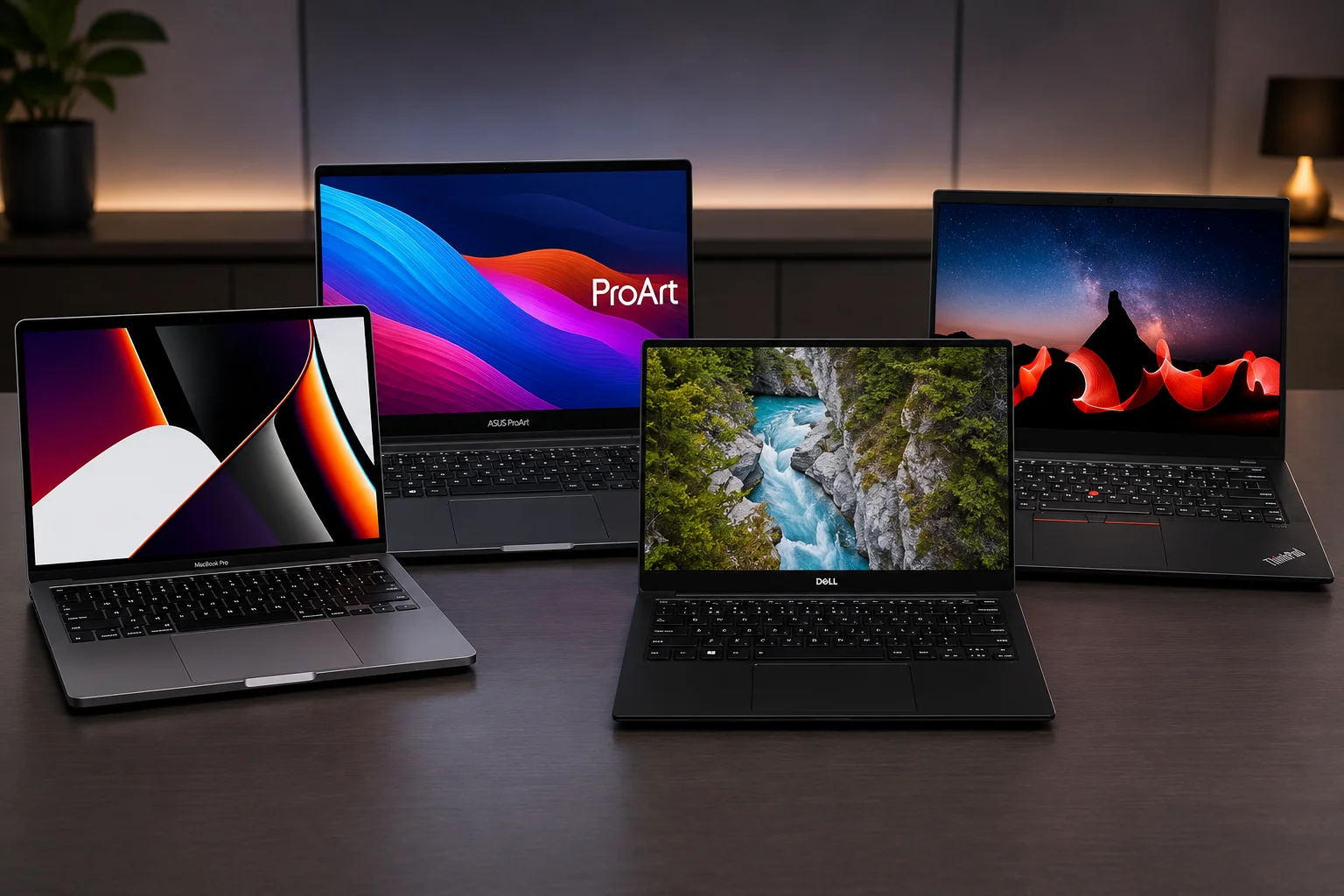
Video editing pushes a laptop harder than almost any other task. A good machine handles 4K timelines, color grading, and long exports without stutter. A weak one turns every project into a waiting game. In 2026, the market finally gives editors real choice across every budget. Below are the Top 10 laptops for video editing this year, picked for performance, display quality, and everyday reliability.
Key Features That Define the Best Video Editing Laptop
Choosing the right video editing laptop comes down to four core factors. A powerful processor and GPU drive fast rendering and smooth playback across Premiere Pro and DaVinci Resolve. Enough RAM keeps a content creator laptop stable during heavy multitasking, with 32GB suited to 4K video editing and 64GB better for 6K or 8K workflows. A color-accurate display with strong DCI-P3 coverage ensures footage looks the same for every viewer. Fast SSD storage rounds things out, since quick read and write speeds keep large video files loading without delay. Together, these features separate a true laptop for video editors from an everyday machine. Here are top 10 laptops for video editing for you :
1. Apple MacBook Pro 14″ (M5)
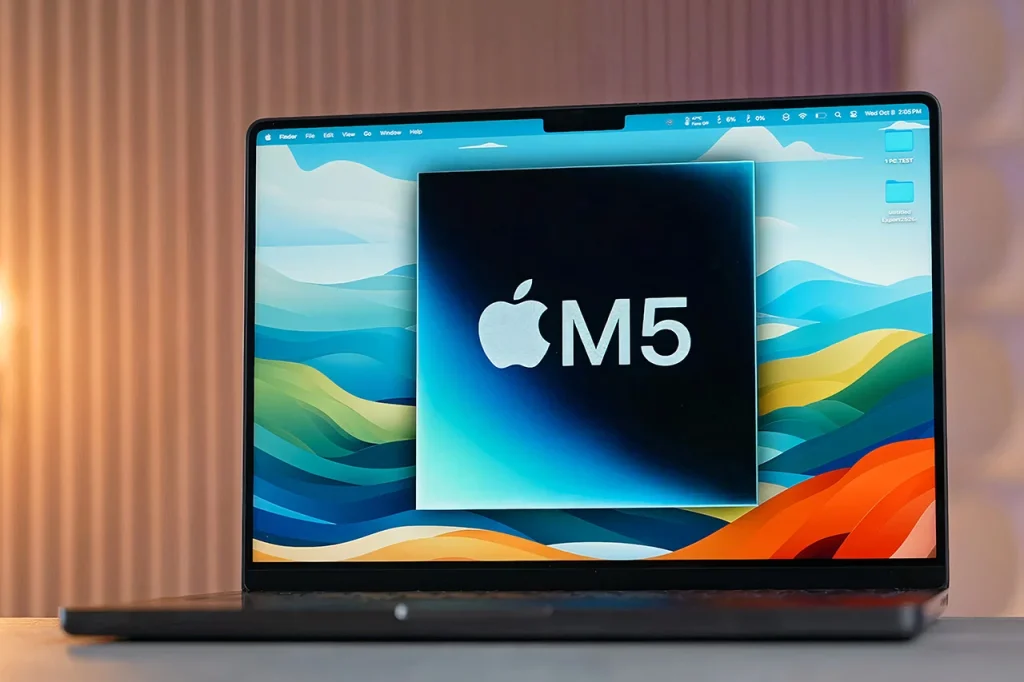
The 14-inch MacBook Pro remains the easiest recommendation for most editors. Final Cut Pro runs beautifully on Apple Silicon, and the M5 chip handles Premiere Pro and DaVinci Resolve with ease. The Liquid Retina XDR display gives editors accurate, punchy color straight out of the box. Battery life stays strong even under sustained editing loads. It suits editors who travel often and need dependable performance in a light frame.
Specs:
- Apple M5 chip
- 10-core CPU
- 10-core GPU
- 14.2-inch Liquid Retina XDR display
- 1600 nits peak HDR brightness
- up to 32GB unified memory
- up to 2TB SSD
- up to 24 hours battery life
| Pros | Cons |
|---|---|
| Excellent color accuracy for grading straight out of the box | Memory tops out lower than the Pro or Max chip models |
| Strong battery life even during export-heavy sessions | Limited external display support compared to higher tiers |
2. Apple MacBook Pro 16″ (M4 Max)
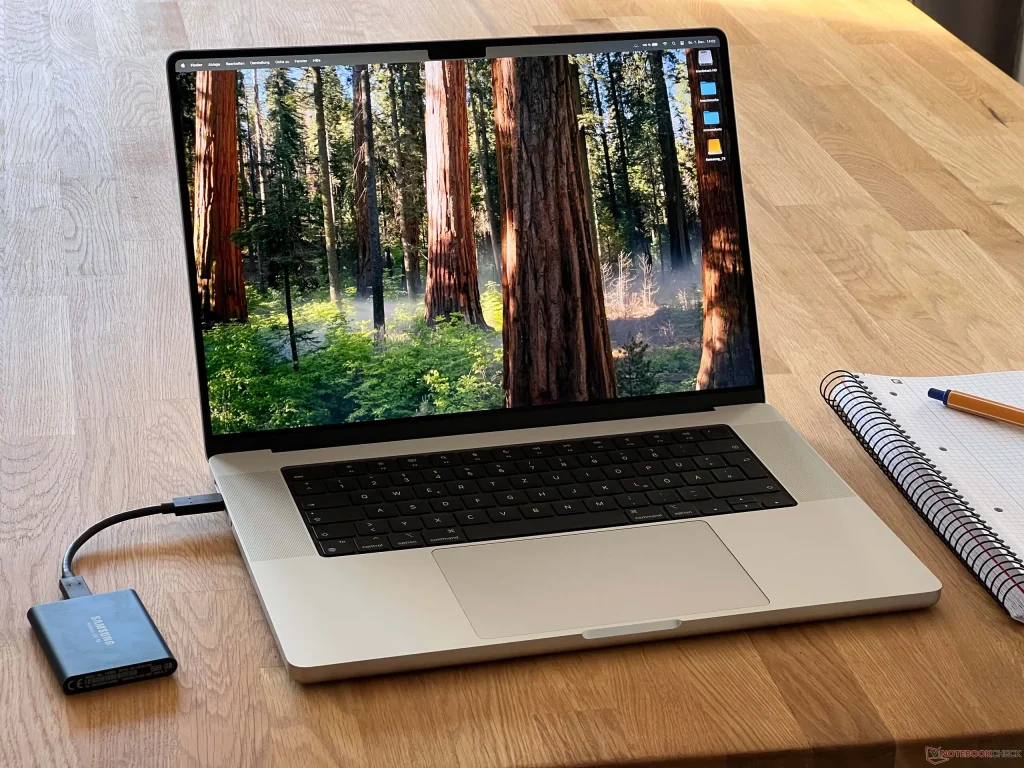
The Apple MacBook Pro 16 (M4 Max) consistently ranks as top 10 laptops for video editing thanks to its colossal multi-core processing power, specialized media engines, massive unified memory, and industry-leading mini-LED display. Editors who work in 8K or run heavy multicam projects should look at the 16-inch model instead. The M4 Max chip adds serious rendering headroom, and unified memory options climb as high as 128GB. The larger XDR display gives you more room to work across panels and timelines. It costs more, but it earns that price for demanding professional workflows.
Specs:
- Apple M4 Max chip, up to 16-core CPU
- Up to 40-core GPU
- 6.2-inch Liquid Retina XDR display
- Up to 128GB unified memory
- Up to 8TB SSD
- HDMI and Thunderbolt 5 ports.
| Pros | Cons |
|---|---|
| Handles 8K timelines and heavy effects without stutter | Expensive once configured with higher memory and storage |
| Massive memory ceiling for the most demanding projects | Bulkier and heavier than the 14-inch model |
3. Dell XPS 15
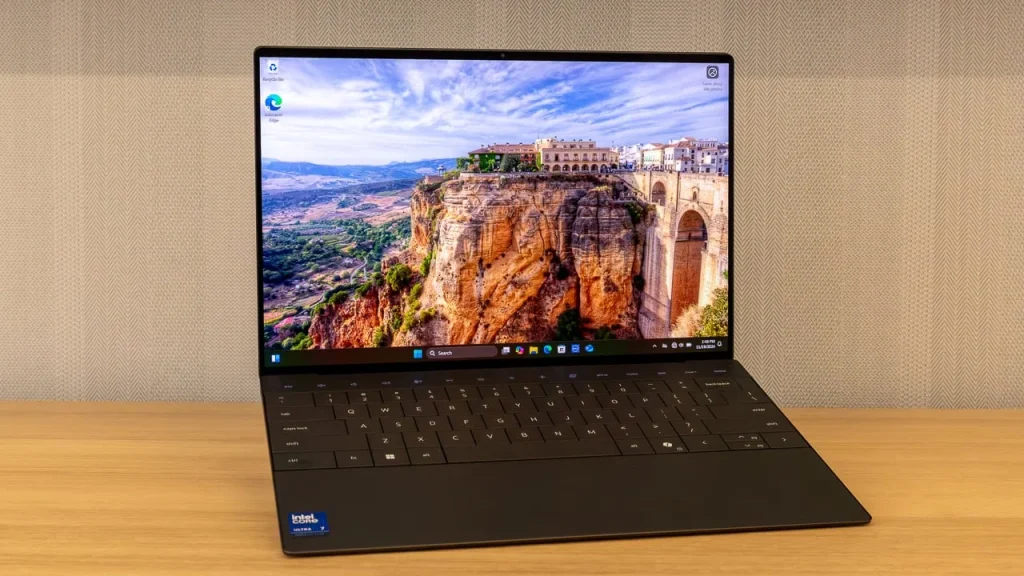
Why does XPS 15 rank in the top 10 laptops for video editing? The Dell XPS 15 consistently ranks in the top 10 laptops for video editing because of its perfect balance of workstation-level performance, color-accurate displays, and ultra-portable design. Windows editors who want a Mac-like experience often land on the XPS 15. Its 3.5K OLED display looks stunning for color work, and the slim chassis travels easily to client meetings. The RTX 5060 Mobile GPU handles 4K editing comfortably. Heavier 8K projects benefit from something more powerful, but for most creators, this laptop hits a sweet spot between beauty and speed.
Specs:
- Intel Core Ultra processor
- NVIDIA RTX 5060 Mobile GPU
- 3.5K OLED touch display
- Up to 32GB RAM
- Up to 2TB NVMe SSD
- Thunderbolt 4 ports
| Pros | Cons |
|---|---|
| Gorgeous OLED display for color-accurate work | Not built for sustained 8K or heavy 3D work |
| Slim, premium build that still feels durable | Battery life drops noticeably under GPU-heavy tasks |
4. ASUS ProArt P16
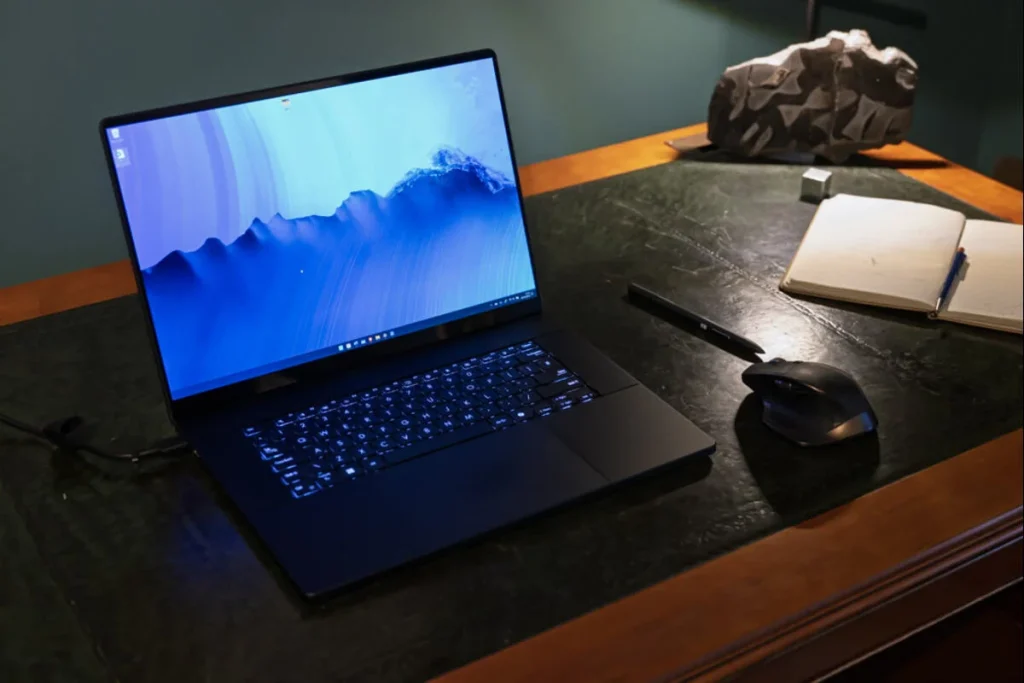
The ASUS ProArt P16 consistently ranks among the top 10 laptops for video editing because it balances top-tier workstation power with an ultra-portable “sleeper” design and studio-grade displays. ASUS built the ProArt line specifically for creators, and it shows. The 16-inch model pairs a factory-calibrated display with strong GPU acceleration for Premiere Pro and Resolve. Its color accuracy rivals dedicated reference monitors, which matters enormously for grading work. Editors who need Windows flexibility without sacrificing display trust should shortlist this one first.
Specs:
- Intel Core Ultra 9 processor
- NVIDIA RTX 5070 GPU
- 16-inch 4K OLED factory calibrated display
- Up to 32GB RAM
- Up to 2TB SSD
- Built-in dial controller for creative apps.
| Pros | Cons |
|---|---|
| Factory calibrated display trusted for professional grading | Battery life is average compared to Apple alternatives |
| Dedicated dial control speeds up creative workflows | Chassis runs warm during long render sessions |
5. Lenovo ThinkPad P1 Gen 7
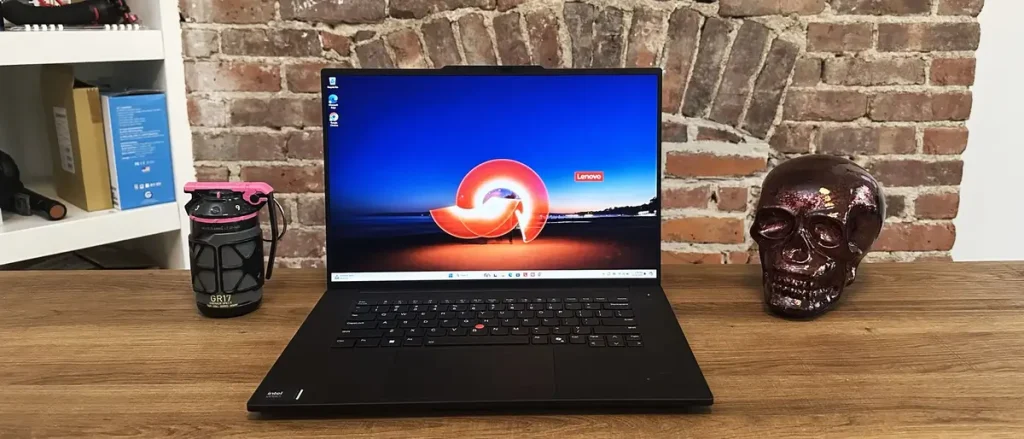
The Lenovo ThinkPad P1 Gen 7 ranks as one of the top 10 laptops for video editing, thanks to its professional-grade components, stunning color-accurate displays, and robust cooling system, all packed into a remarkably thin, portable chassis. This mobile workstation bridges enterprise reliability and creative power. It carries ISV certification for Adobe and DaVinci Resolve, so software runs predictably under load. MIL-SPEC durability testing means it survives rougher handling than most creator laptops. Editors who also live in spreadsheets and video calls get real versatility here. The new RAM modules for DDR5 RAM have increased pricing, which may affect the results of our list of Top 10 laptops for video editing.
Specs:
- Intel Core Ultra 9 processor
- NVIDIA RTX Ada Generation GPU
- 16-inch 4K display, up to 64GB RAM
- Up to 4TB SSD
- MIL-SPEC 810H tested chassis.
| Pros | Cons |
|---|---|
| ISV certified for stable performance in Adobe and Resolve | Heavier than most creator-focused competitors |
| Excellent build quality and keyboard for daily typing | Display is good but not as vivid as OLED rivals |
6. Lenovo Legion 9i
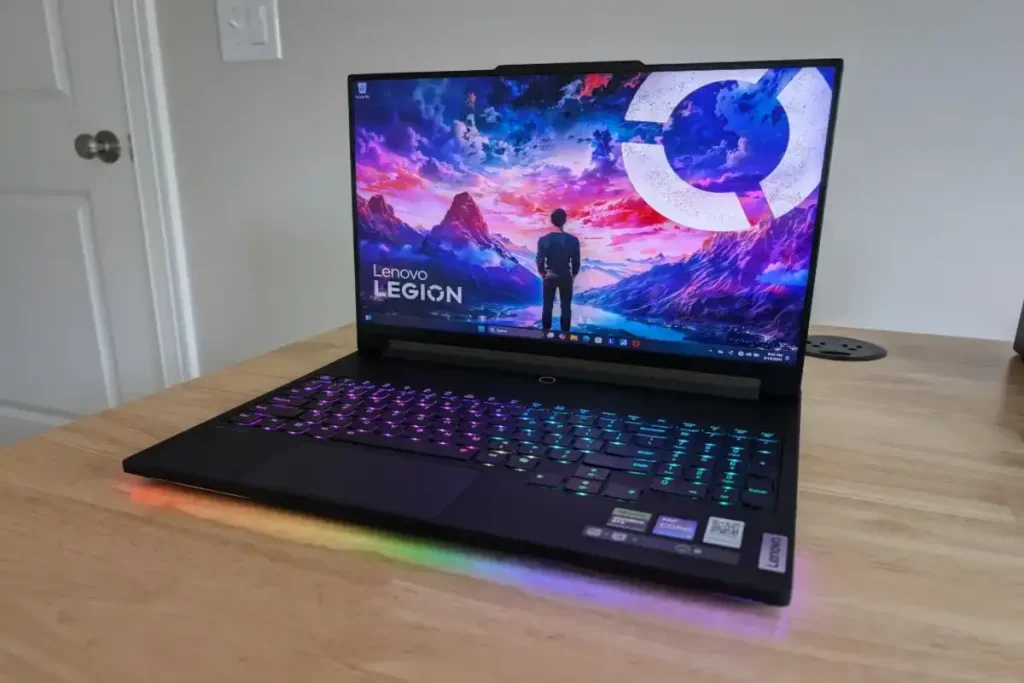
The Lenovo Legion 9i ranks as a top 10 laptops for video editing because of its stellar color accuracy, high-end processing power, and smooth timeline performance. Its premium Mini LED display, massive memory, and robust graphics card handle heavy 4K and 8K workflows without sacrificing portability. Gaming laptops make surprisingly strong editing machines, and the Legion 9i sits near the top of that group. Its flagship GPU option chews through renders quickly, and the cooling system keeps performance steady during long sessions. The display covers a wide color gamut, which helps grading accuracy. It runs warm under pressure, so plan for a stable desk setup rather than lap use.
Specs:
- Intel Core Ultra 9 processor
- up to NVIDIA RTX 5090 GPU
- 16-inch Mini LED 2K display
- up to 64GB RAM
- up to 2TB SSD
- Dual-fan liquid cooling system.
| Pros | Cons |
|---|---|
| Top-tier GPU power for the fastest export times | Runs hot and loud under sustained load |
| Wide color gamut display suits grading work | Heavy and bulky for regular travel |
7. HP Omen Transcend 16
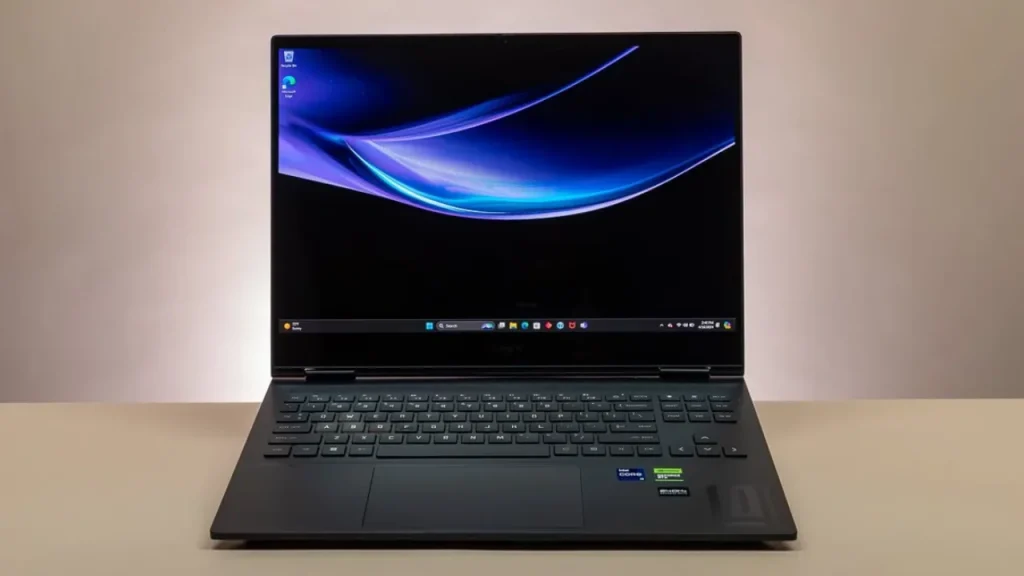
The HP Omen Transcend 16 frequently ranks in the top 10 laptops for video editing because it pairs a desktop-class Intel HX-series processor (up to 14th Gen Core i9) with dedicated Nvidia RTX 40-series graphics. This combination delivers hardware acceleration, fast rendering times, and smooth real-time 4K playback. HP’s Omen Transcend 16 blends gaming power with genuine creator credentials. Configurations with Intel Ultra Core 9 chips and RTX 50 series GPUs handle 4K exports without complaint. The 240Hz display might seem built for games, but its color accuracy holds up for editing too. It suits creators who split time between editing and gaming.
Specs:
- Intel Core Ultra 9 processor
- NVIDIA RTX 50 series GPU
- 16-inch 240Hz display
- 100% sRGB coverage
- Up to 32GB RAM
- Up to 2TB SSD
| Pros | Cons |
|---|---|
| Strong value for the performance it delivers | Color accuracy trails dedicated creator displays |
| High refresh display doubles well for gaming and editing | Styling leans gaming, which will not suit every professional |
8. Gigabyte Aorus Master 16
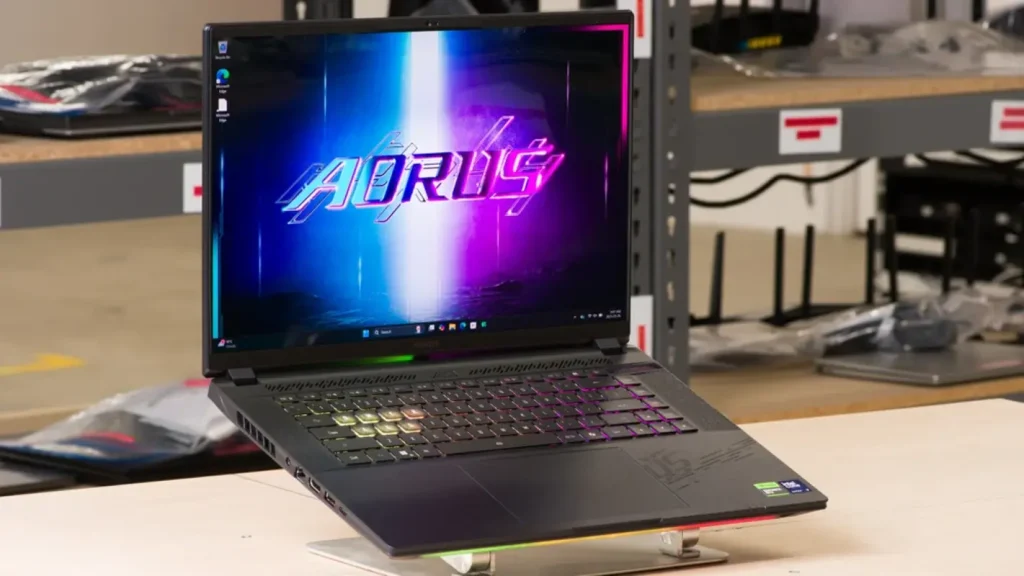
The Gigabyte Aorus Master 16 consistently ranks in top 10 laptops for video editing lists due to its desktop-class processors (like the Intel Core Ultra 9 or AMD Ryzen 9), high-end NVIDIA RTX 50-series graphics for hardware-accelerated rendering, and a stunning, color-accurate HDR OLED display. The Aorus Master 16 pairs a 24-core Intel Ultra 9 processor with a rich OLED display and wide color coverage. Up to 64GB of RAM keeps multilayer timelines responsive, and the fast PCIe Gen5 SSD loads footage quickly. Editors working heavily with effects and layered projects will appreciate the headroom this laptop offers.
Specs:
- Intel Core Ultra 9 275HX processor
- NVIDIA RTX 5080 GPU
- 16-inch OLED 240Hz display
- Up to 64GB DDR5 RAM
- PCIe Gen5 SSD up to 4TB.
| Pros | Cons |
|---|---|
| Vivid OLED display with excellent contrast | Battery life is modest given the powerful internals |
| Fast Gen5 storage speeds up footage-heavy projects | Premium pricing puts it above casual creator budgets |
9. MSI Creator Z17HX
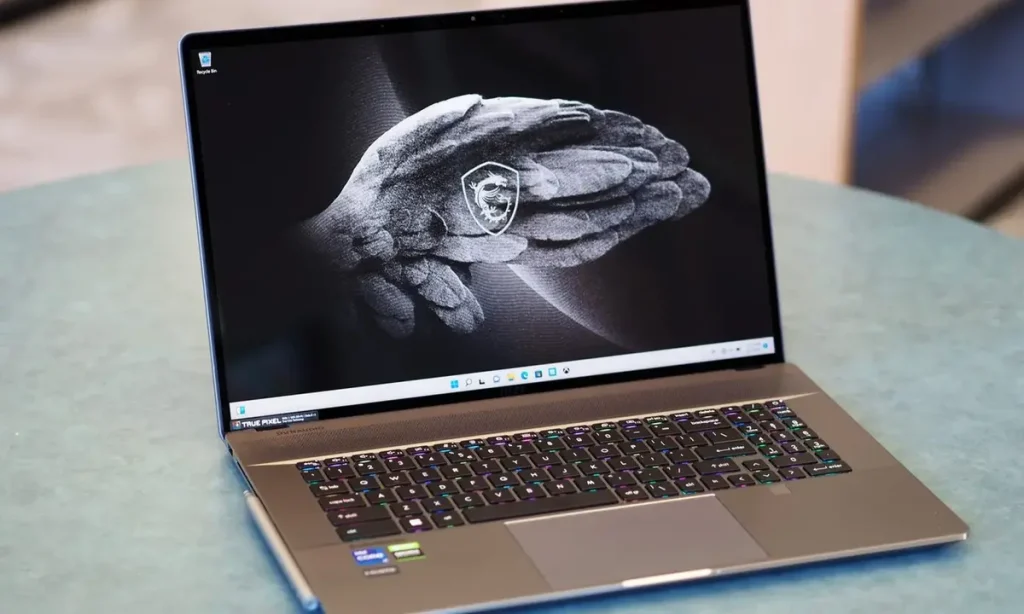
The MSI Creator Z17 HX ranks as a top 10 video editing laptop by packing workstation-level Intel HX processors and NVIDIA graphics into a sleek, portable aluminum chassis. It outpaces competitors in video exporting, color accuracy, and timeline scrubbing. MSI built this 17-inch touchscreen laptop for editors who like extra screen space and a stylus-friendly workflow. Its Core i9 processor and RTX 4070 GPU manage large timelines smoothly, and 64GB of RAM keeps things stable during exports. Content creators working across video and design will find this a flexible daily driver.
Specs:
- Intel Core i9 14900HX processor
- NVIDIA RTX 4070 GPU
- 17-inch QHD touchscreen display
- 64GB RAM
- 2TB PCIe Gen4 SSD
| Pros | Cons |
|---|---|
| Large touchscreen suits editors who sketch or annotate | Large chassis makes it less portable than 14- or 15-inch rivals |
| Plenty of RAM for stable multitasking during exports | GPU trails newer 50 series options in raw speed |
10. Apple MacBook Air 15 (M4)

The Apple MacBook Air 15 (M4) is highly ranked for video editing because of its 16GB base RAM, hardware-accelerated media engine, and fanless, lightweight design. Not every editor needs a workstation. Beginners and creators cutting 1080p or light 4K content get excellent value from the MacBook Air 15. Its M4 chip handles Final Cut Pro smoothly, and the fanless design stays silent during editing sessions. It lacks the sustained power of pricier machines, but it remains the best lightweight entry point into serious editing.
Specs:
- Apple M4 chip
- 10-core CPU
- 10-core GPU
- 15.3-inch Liquid Retina display
- Up to 24GB unified memory
- Up to 2TB SSD
- Fanless design.
| Pros | Cons |
|---|---|
| Completely silent operation, even during exports | Sustained performance drops during long, heavy renders |
| Excellent value for entry-level 4K editing | Limited to a single external display |
Final Thoughts
After testing specs, reviews, and real editing workflows across these top 10 laptops for video editing, my honest take is simple. Most editors overspend on power they never fully use. The MacBook Pro 14 with M5 still earns my top recommendation because it balances speed, display quality, and battery life better than anything else on this list. Windows editors chasing GPU acceleration should choose the ASUS ProArt P16 over flashier gaming laptops, since color accuracy matters more than RGB lighting. Save the Legion 9i or Aorus Master for editors who genuinely need desktop-level rendering power. For everyone else, buying based on your actual workflow, not marketing specs, will save both money and frustration in 2026.
My Opinion
I’d choose the ASUS ProArt P16 from these top 10 laptops for video editing. Unlike the Legion 9i, Aorus Master, or Omen Transcend, which are gaming laptops repurposed for creators, the ProArt is built display first, with a factory-calibrated screen that keeps color trustworthy for grading. It still carries enough GPU power for smooth 4K editing in Premiere Pro or Resolve, so nothing feels sacrificed for accuracy. The dial controller adds real convenience during timeline work too. The only other laptop I’d seriously consider is the ThinkPad P1 Gen 7, for editors who need extra durability and certified stability during constant travel or heavy agency workloads.