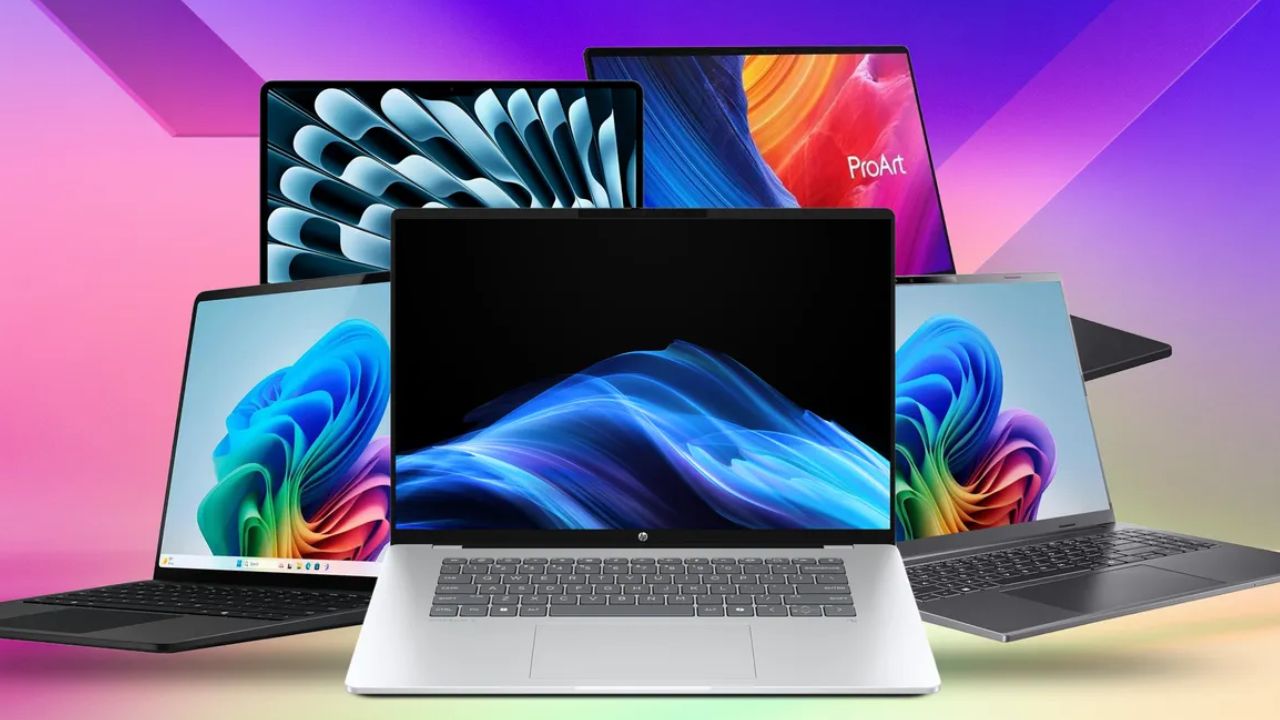
Finding the perfect student laptop in 2026 isn’t just about grabbing the cheapest machine on the shelf. With colleges relying heavily on localized AI tools, hybrid learning environments, and long study sessions away from power outlets, your laptop needs to be an efficient power tool.
Whether you are a creative arts student drafting high-resolution designs, an engineering major running intense coding scripts, or a general humanities student who just needs twenty Chrome tabs open alongside a Word document, there is a perfect machine for you. Here is a breakdown of the 10 best student laptops available in 2026.
The Top 10 Student Laptops of 2026
Every machine making it onto campus this year has to prove it can handle more than just typing out essays. From hyper-efficient ARM processors that completely eliminate battery anxiety to top-tier thermal cooling designed to keep engineering projects running without a stutter, the laptop market in 2026 is incredibly diverse. We spent weeks evaluating real-world classroom performance, keyboard ergonomics during long typing sessions, and how well these displays combat harsh lecture hall glare. Whether you are running complex local AI workloads or hunting for the absolute maximum performance per dollar, here is how the absolute best student laptops of the year compare.
1. Apple MacBook Air 13-Inch (M5)
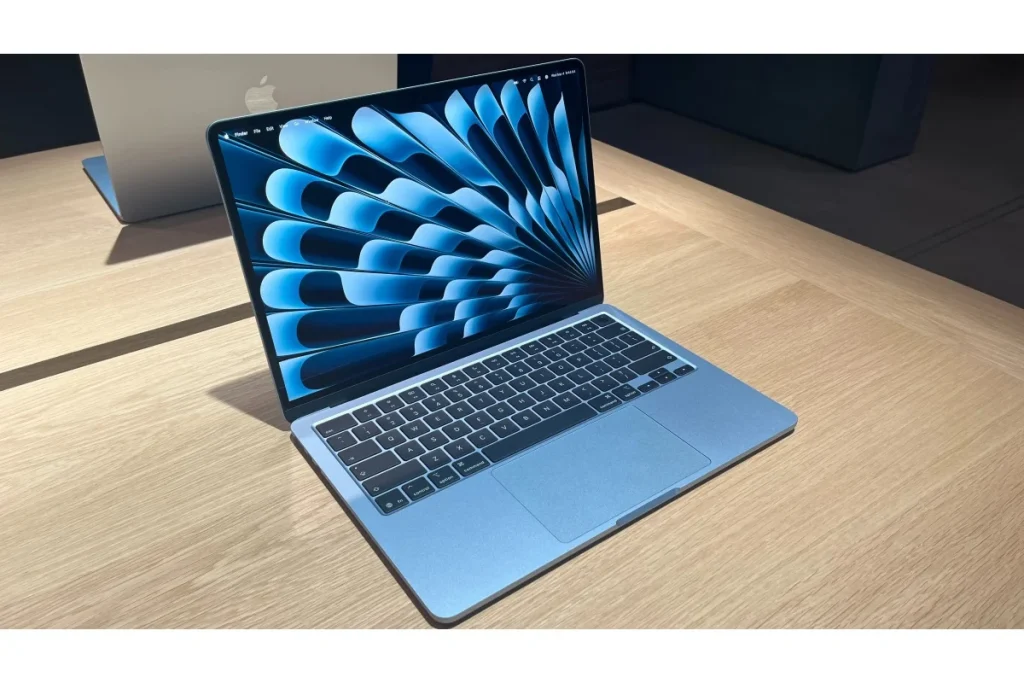
Apple’s latest update to the MacBook Air remains the gold standard for the vast majority of students. Powered by the incredibly efficient Apple M5 chip, it easily tackles heavy multitasking, light video editing, and extensive research without generating any fan noise.
- Key Specs: 13.6-inch Liquid Retina display (500 nits brightness), Apple M5 (10-core CPU), minimum 16GB RAM, 512GB SSD.
- Biometrics & Ports: Touch ID power button; 2x Thunderbolt/USB 4 ports, MagSafe 3 charging port.
- Battery Life: Up to 18–20 hours of real-world use.
- Price: Starts at $1,099 (Student discount often drops this to $999)
- Pros: Completely silent fanless design, exceptional battery life, best-in-class trackpad.
- Cons: Limited to just two USB-C ports on the left side; display remains locked at 60Hz.
- Best for: All-around daily campus life, reliability, and portability.
2. HP OmniBook 5 14
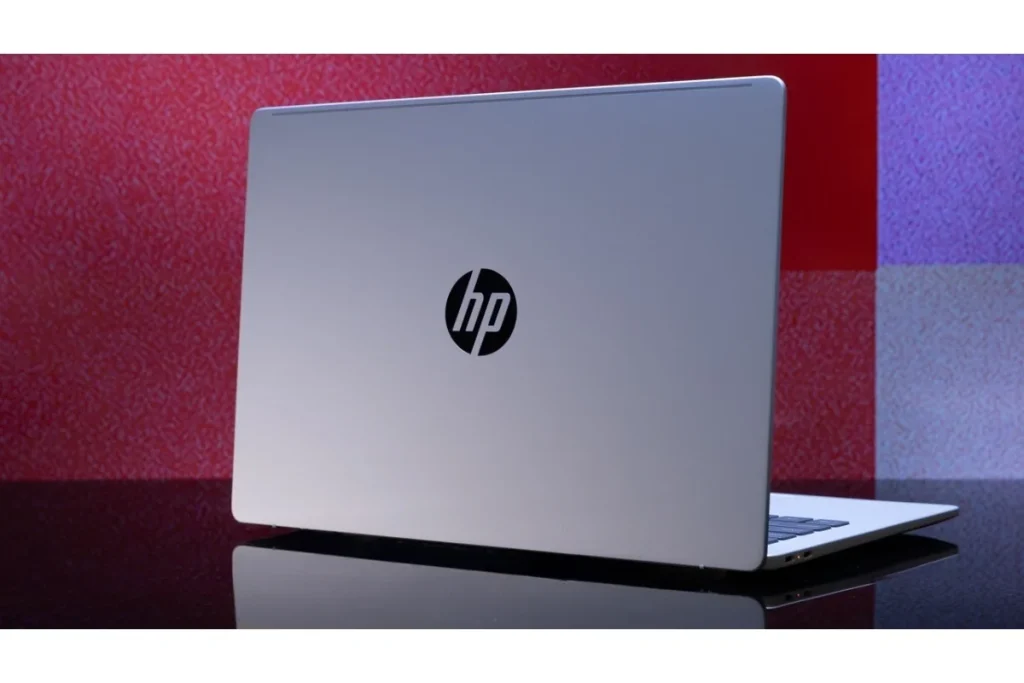
For those who prefer Windows over macOS, the HP OmniBook 5 14 is the ultimate value-packed productivity champion of 2026. Powered by an ultra-efficient Snapdragon platform, this machine sets a new standard for Windows laptop battery longevity.
- Key Specs: 14-inch IPS anti-glare matte panel (300 nits), Snapdragon X Next-Gen Architecture, 16GB RAM, 512GB SSD.
- Biometrics & Ports: Windows Hello facial recognition IR camera; 2x USB-C (USB4), 1x USB-A, audio jack.
- Battery Life: An astonishing 30+ hours of light productivity. Includes a compact 65W Type-C charger in the box.
- Price: Starts at $899
- Pros: Class-leading battery runtime, crisp anti-glare display, solid port selection.
- Cons: ARM-based processors can occasionally run into compatibility issues with very old or highly specialized engineering software.
- Best for: Long-lasting Windows productivity away from power outlets.
3. Apple MacBook Neo

In a brilliant move, Apple introduced the MacBook Neo as their definitive entry-level student option. It borrows the A18 Pro silicon architecture to deliver a fully featured premium macOS experience at a price point that actively challenges mid-tier Windows machines.
- Key Specs: 13.0-inch Liquid Retina LED display, Apple A18 Pro derivative processor, 16GB RAM, 256GB SSD.
- Biometrics & Ports: Touch ID integration; 2x standard USB-C ports (supports charging and data).
- Battery Life: Up to 15 hours.
- Price: Starts at $799
- Pros: Rigid premium aluminum chassis, highly affordable entry into macOS, entirely fanless design.
- Cons: Keyboard lacks backlighting (tricky for dark dorm rooms), limited port selection.
- Best for: Budget-conscious students wanting a premium Apple build.
4. Lenovo Yoga Slim 7i Aura Edition
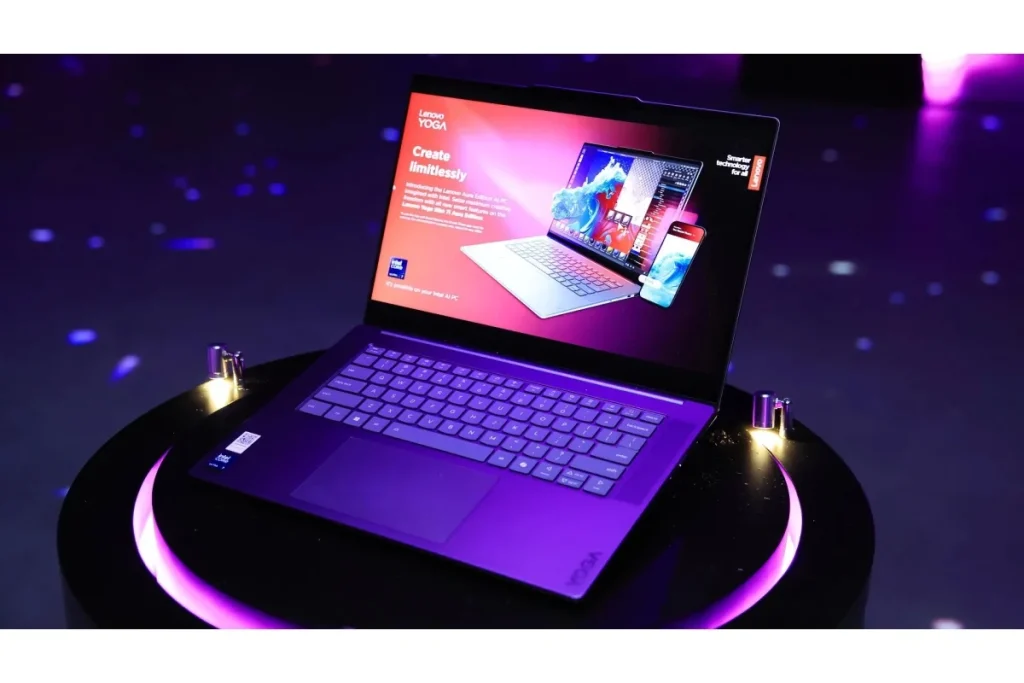
If you prefer a featherweight Windows companion with a jaw-dropping screen, Lenovo’s Aura Edition is a premium powerhouse tailored for students who constantly swap between online lectures and media consumption.
- Key Specs: 14-inch 2.8K POLED touchscreen (120Hz refresh, 400 nits native), Intel Core Ultra 7 (Series 2), 16GB RAM, 1TB SSD.
- Biometrics & Ports: Electronic privacy shutter with Windows Hello face unlock; 2x Thunderbolt 4, 1x USB-A 3.2.
- Battery Life: Up to 14 hours. 65W wall adapter included.
- Price: Starts at $1,299
- Pros: Dazzling OLED screen, ultra-lightweight chassis (under 2.2 lbs), excellent keyboard comfort.
- Cons: Lacks a legacy headphone jack; premium pricing makes it a steep investment.
- Best for: Ultra-portable premium productivity and vivid media consumption.
5. Acer Swift 16 AI
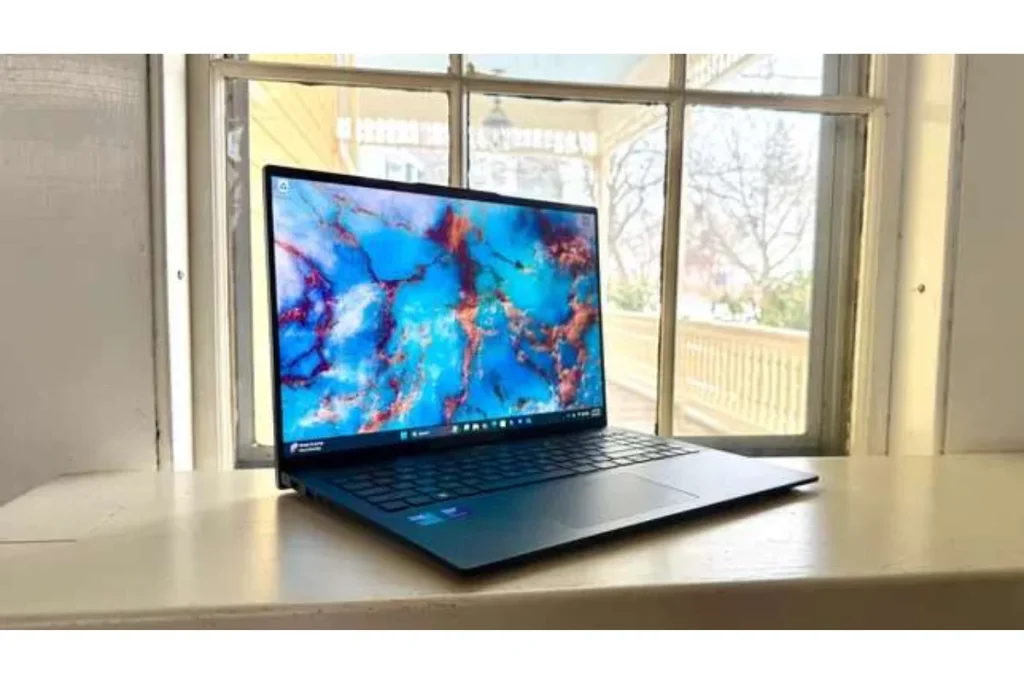
Acer’s latest flagship student machine leans heavily into modern computing standards, pushing Intel’s Intel Panther Lake platform to deliver exceptional localized AI features and snappy everyday performance.
- Key Specs: 16-inch OLED display (500 nits HDR peak), Intel Core Ultra platform, 16GB RAM, 1TB SSD.
- Biometrics & Ports: Fingerprint reader on power key; HDMI 2.1, 2x USB-C, 2x USB-A, MicroSD slot.
- Battery Life: Around 15 hours.
- Price: Starts at $999
- Pros: Large, beautiful OLED workspace, tactile haptic trackpad, plenty of ports for peripheral setups.
- Cons: The chassis footprint is large for small lecture hall desks, and some keyboard keys feel a bit cramped.
- Best for: Multi-window research and modern AI-driven schoolwork.
6. Dell XPS 14
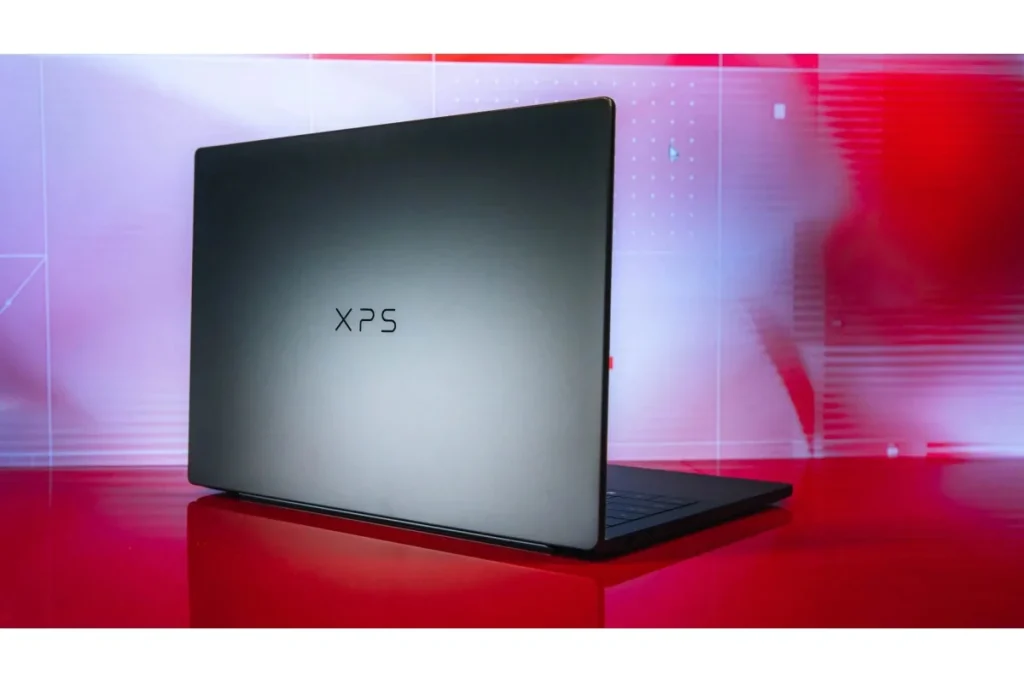
Dell’s iconic premium line hits the sweet spot for style-conscious college students. It pairs a distinct, borderless geometric design with ample performance to keep your project rendering smoothly.
- Key Specs: 14-inch InfinityEdge display (120Hz, 500 nits bright Gorilla Glass), Intel Core Ultra 7, 16GB RAM, 512GB SSD.
- Biometrics & Ports: Windows Hello facial recognition; 3x Thunderbolt 4 ports, microSD card reader, Type-C to Type-A adapter included.
- Battery Life: Up to 12 hours on the 1200p model.
- Price: Starts at $1,499
- Pros: Exceptional modern build quality, compact footprint, surprisingly deep audio speakers.
- Cons: The unique lattice-free keyboard layout has a slight learning curve for typing errors.
- Best for: High-end premium Windows performance.
7. Asus ROG Zephyrus G16

For the student who wants a serious workstation for coding, 3D modeling, or video editing by day, and a competitive machine for gaming by night, the Zephyrus G16 balances raw graphical power with a surprisingly stealthy design.
- Key Specs: 16-inch ROG Nebula OLED display (240Hz, G-Sync), AMD Ryzen AI 9 / Intel Core Ultra 9, Nvidia RTX 40-Series/50-Series, 16GB RAM, 1TB SSD.
- Biometrics & Ports: Advanced IR face unlock camera; Full-size SD card reader, HDMI 2.1, dedicated charging port, 2x USB-C, 2x USB-A.
- Battery Life: 7–9 hours (depending on dedicated GPU activation).
- Price: Starts at $1,699
- Pros: Striking 240Hz refresh rate display, top-tier graphic rendering, thin and light for a gaming machine.
- Cons: Power brick is heavy, and battery life drains quickly under heavy loads.
- Best for: Engineering, Game Design, Architecture majors, and hardcore gaming.
8. Microsoft Surface Laptop 7
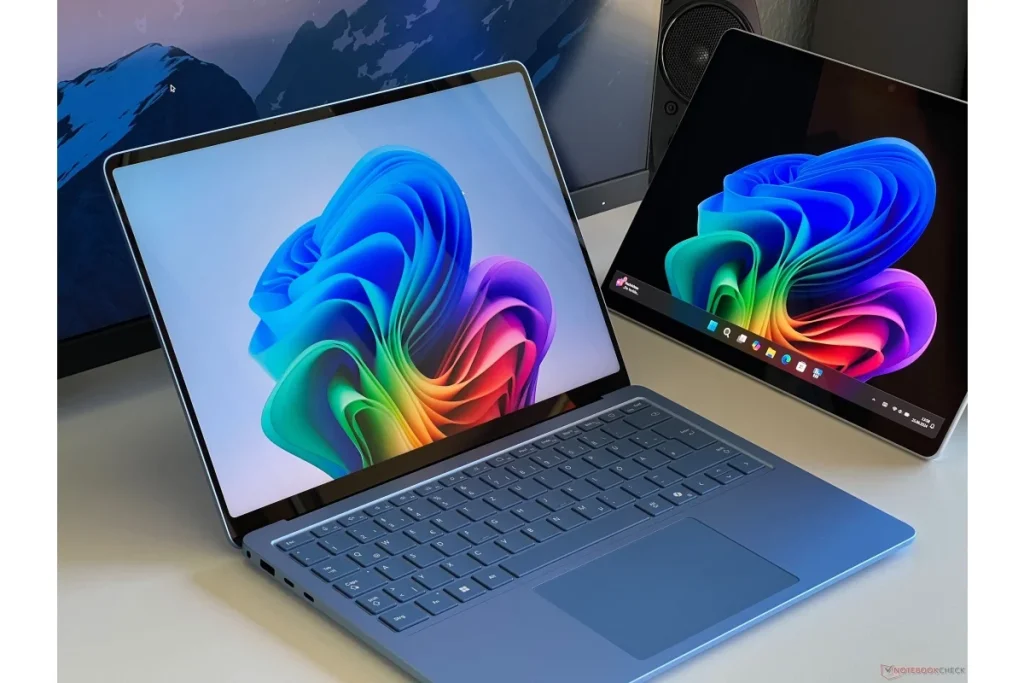
Microsoft’s definitive answer to the MacBook Air. It offers a premium, minimalist aluminum design with a highly responsive touchscreen, optimized specifically around local Copilot+ AI features.
- Key Specs: 13.8-inch PixelSense touchscreen (600 nits dynamic brightness), Snapdragon X Plus/Elite, 16GB RAM, 512GB SSD.
- Biometrics & Ports: Windows Hello face sign-in; Surface Connect port, 2x USB-C (USB4), 1x USB-A 3.2.
- Battery Life: Up to 20 hours of local video playback.
- Price: Starts at $999
- Pros: Elite touchscreen responsiveness, phenomenal battery retention, clean and bloatware-free Windows software.
- Cons: Minimal ports require a USB dock for legacy flash drives.
- Best for: Windows purists wanting touch capabilities and long battery life.
9. Lenovo IdeaPad Slim 3
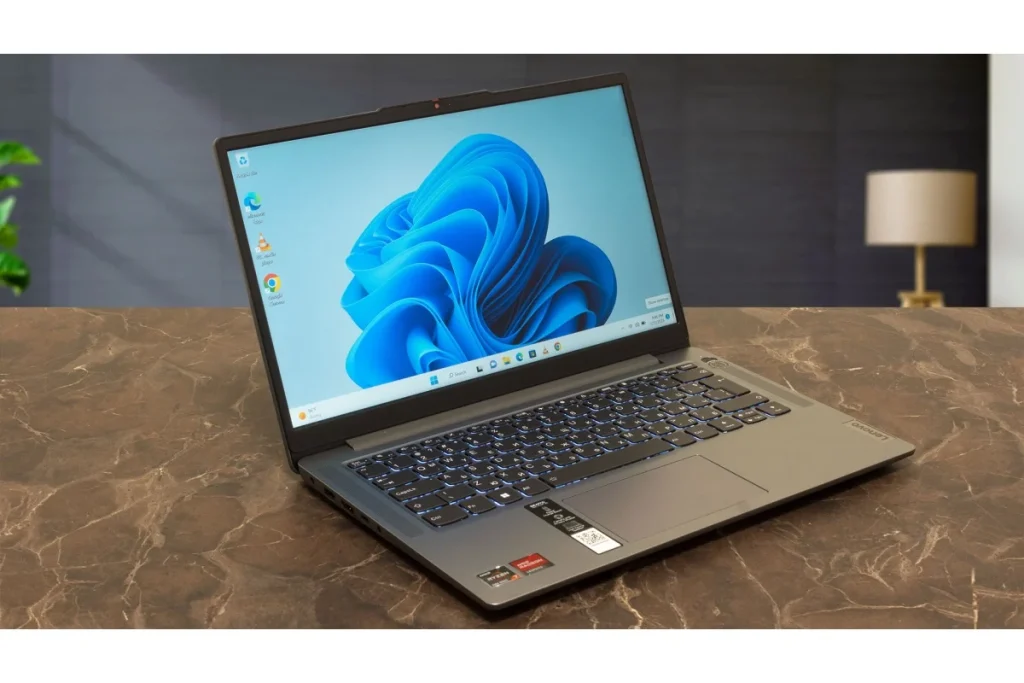
If you need a traditional Windows machine but want to keep your spending to a strict minimum, the IdeaPad Slim 3 series packs reliable everyday internals without an expensive price tag.
- Key Specs: 15.6-inch Full HD anti-glare display (250 nits), Intel Core i3 or AMD Ryzen 3, 8GB RAM (expandable), 512GB SSD.
- Biometrics & Ports: Standard webcam lock shutter; 1x USB-C, 2x USB-A, HDMI port, audio jack.
- Battery Life: 7–8 hours.
- Price: Starts at $449
- Pros: Highly affordable, full-sized comfortable keyboard with a numpad, plenty of legacy USB ports.
- Cons: Mostly plastic construction, display colors look slightly washed out compared to premium alternatives.
- Best for: Everyday assignments, general research, and budget buyers.
10. Acer Chromebook Plus Spin 714
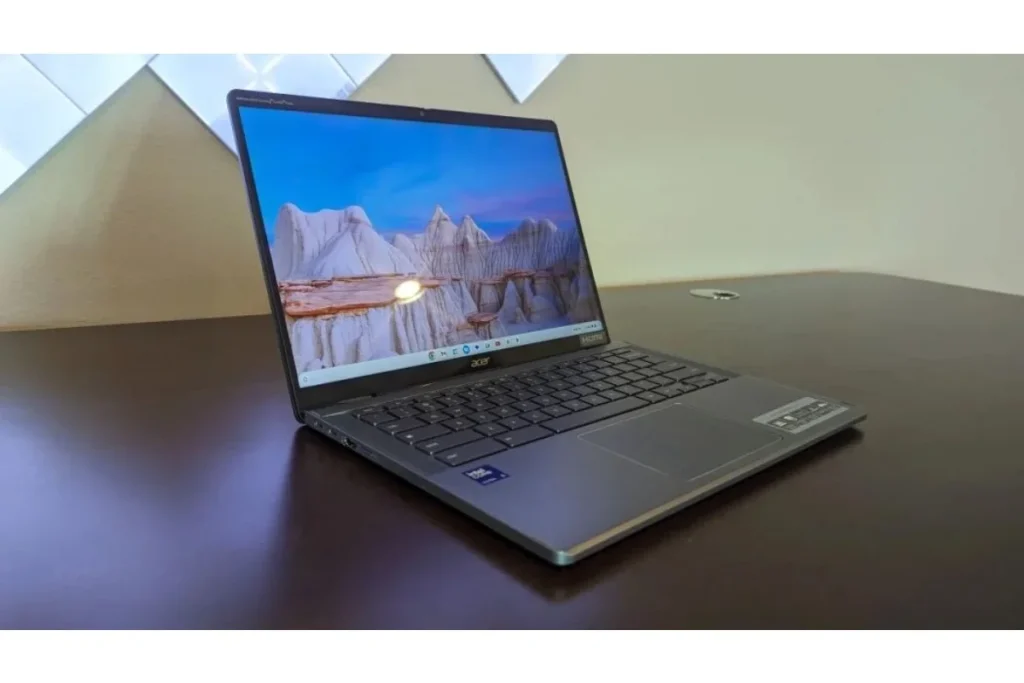
For students whose workloads live entirely in Google Docs, research databases, and cloud-based applications, this Chromebook Plus offers a fast, virus-resistant, convertible ecosystem.
- Key Specs: 14-inch touchscreen convertible display (350 nits, antimicrobial glass), Intel Core Ultra processing, 8GB RAM, 256GB SSD.
- Biometrics & Ports: Fast fingerprint login; 2x Thunderbolt 4 ports, 1x USB-A, HDMI port.
- Battery Life: Up to 11 hours.
- Price: Starts at $699
- Pros: Flexible 2-in-1 design flips into a tablet, highly secure ChromeOS environment, comes with built-in Gemini Advanced AI perks.
- Cons: Restricted from running desktop-class heavy local software like full Adobe Premiere Pro or AutoCAD.
- Best for: Humanities majors, note-taking versatility, and seamless cloud workflows.
Crucial Buying Advice for 2026
When choosing your laptop, look past the basic advertising and focus entirely on these core pillars:
- RAM is Critical: In 2026, 16GB of RAM is the recommended sweet spot. While 8GB can survive basic web browsing, 16GB ensures your laptop won’t slow down when running localized AI tools, complex PDFs, and endless browser tabs simultaneously.
- Prioritize SSDs over HDDs: Ensure your machine uses a Solid State Drive (SSD) rather than an old Mechanical Hard Drive (HDD). SSDs boot up Windows instantly and protect your data if the laptop is bumped in your bag.
- Check Program Compatibility: If you are studying computer science, architecture, or mechanical engineering, consult your department before buying. Some academic programs strictly require standard x86 processors (Intel/AMD) or dedicated Nvidia graphics cards to run legacy software suites.
My Pick
Among the Best Student Laptops on this list, the Asus ROG Zephyrus G16 is the one I’d pick if I were an engineering, game design, or architecture student who also games. What makes it stand out in the Best Student Laptops lineup isn’t just the 240Hz OLED panel — it’s that dedicated RTX graphics power for CAD, rendering, and ML coursework that thin-and-lights like the MacBook Air simply can’t touch. Yes, battery life (7–9 hours) is the weakest in the group, and the charger is heavy. But for students needing real GPU horsepower, it’s genuinely one of the Best Student Laptops worth the trade-off.